

Recommended
Creative visual
Turn any subject and goal into a clear, adaptable visual without requiring a website or industry template.
1:116:9
Start from a prompt or up to three references, choose ratio and resolution, then inspect the result. The workspace uses current Grok Imagine API models, not the pending Image 2 API.
Pick a scenario, fill in a short brief, and get marketing images that fit the job.
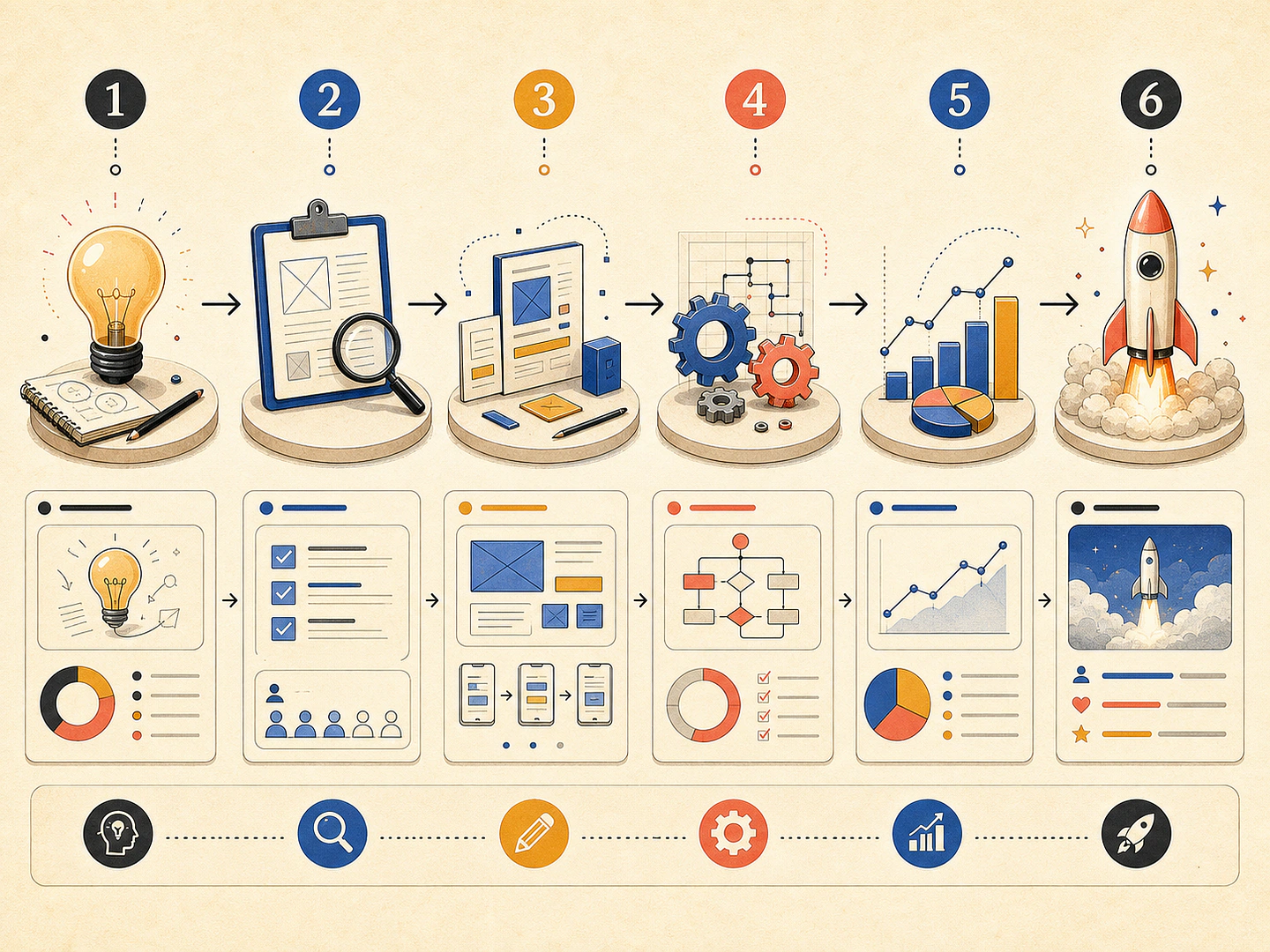
Organize facts or ideas into a readable, shareable visual explanation.
Turn any subject and goal into a clear, adaptable visual without requiring a website or industry template.
SelectedOrganize facts or ideas into a readable, shareable visual explanation.
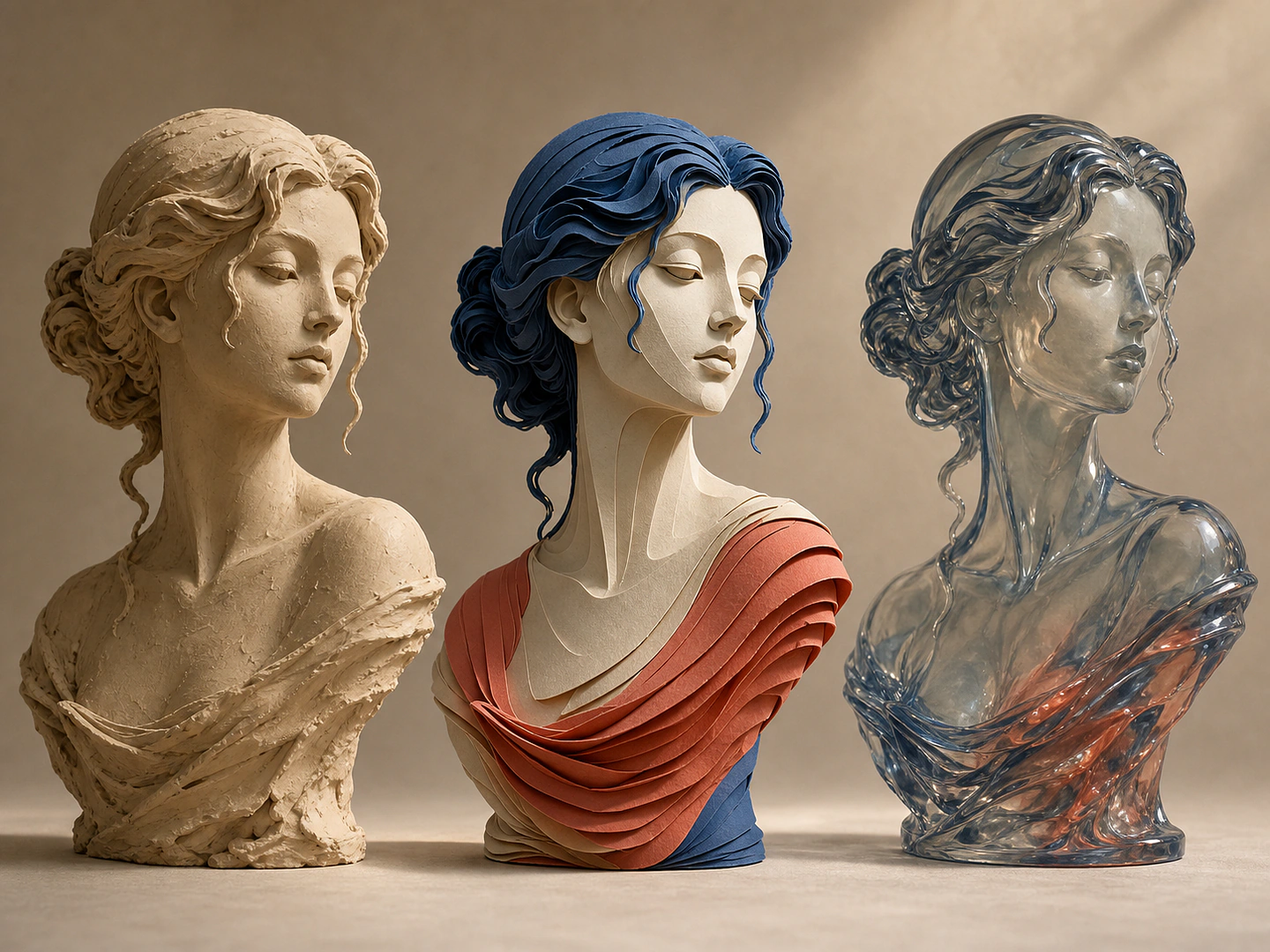
Transform a reference image while explicitly protecting the details that must stay recognizable.
Describe the offer, audience, channel, or mood and Grok Image 2 shapes it into a usable marketing visual.
Attach a website URL so the generator can follow your product positioning, colors, and visual language.
Choose model, ratio, count, and resolution to fit social, ads, email, or storefront placements.